Here is Bad Apple running on a Game Boy Advance ROM. The ROM contains a decoder, compressed video frames, and raw audio, all running inside the limits of a handheld from 2001.
Hit play. This is a WASM emulator running in the browser, so forgive me if it stutters or refuses to start on your machine.
I have five Game Boy Advances in a drawer in my office. An original, an SP, a black Japanese Micro I bought on eBay, and two of the originals as backups for when the rest stop charging. They take batteries seriously, do not get firmware updates, and are not going to break. The Micro is the one I keep coming back to.
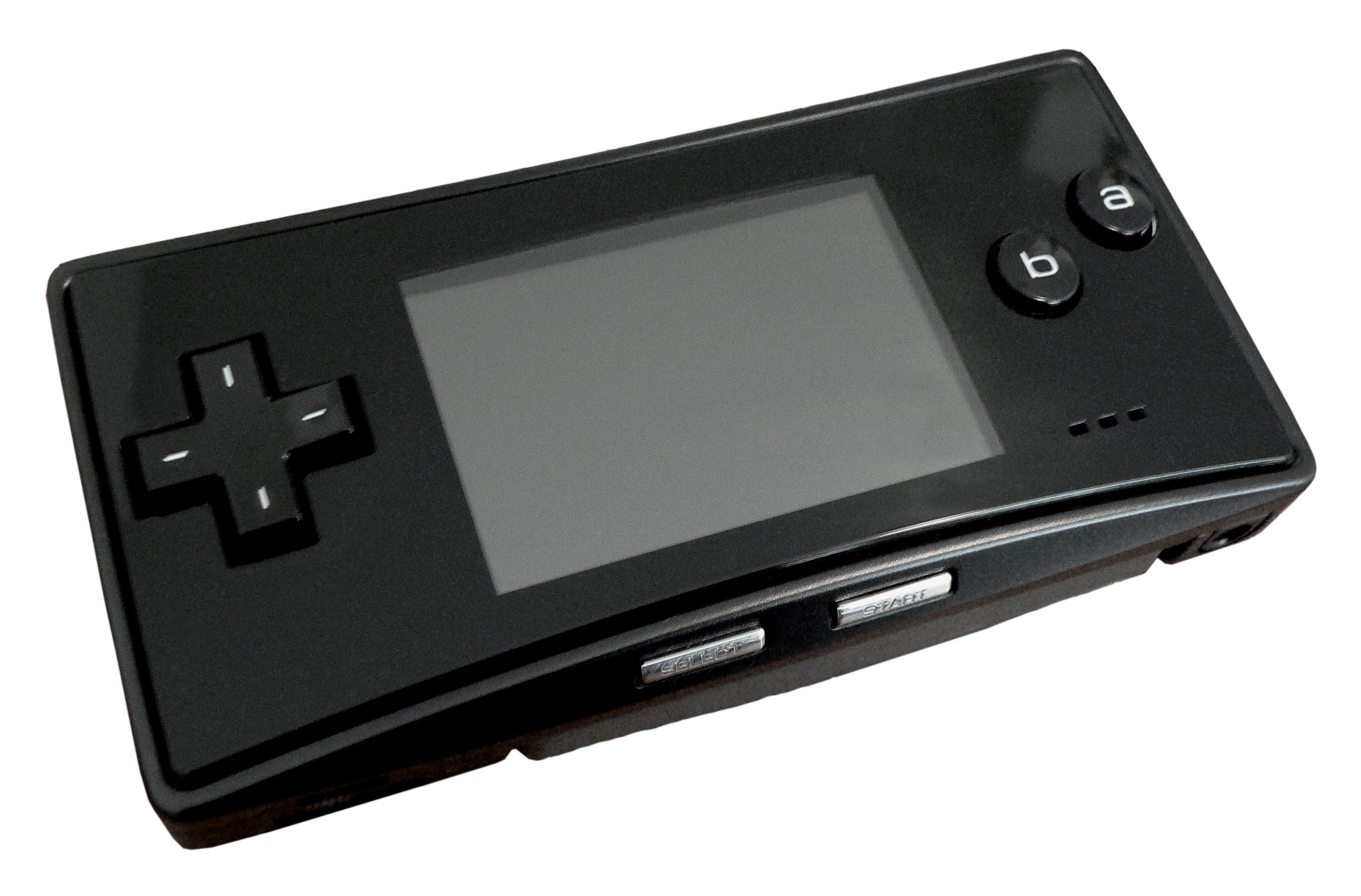
The Game Boy Micro, Japanese all-black variant. Photo by Seizethegray, CC BY-SA 3.0.
Earlier this year I loaded a dump of an official Pokémon video cartridge from 2004 onto an EverDrive GBA Pro and watched a few minutes on that Micro. The playback was bad enough that I stopped watching the episode and started watching the playback. The cart was a licensed commercial product. It was 2026. The floor for video on the GBA should be higher than this. So I wrote a codec.
The Game Boy Advance is a handheld console from 2001. 16.78 MHz ARM CPU, 240 by 160 screen, 96 KB of video memory, no hardware for video playback. Standard cartridges normally top out at 32 MB, which is the limit I target here. Anything moving on the screen has to be drawn by software, frame by frame, in the time the GBA gives you between screen refreshes.
The commercial video-on-cartridge line was Game Boy Advance Video, launched in 2004, with episodes of SpongeBob, Pokémon, Shrek and others on official cartridges. Most were Majesco-published paks developed by DC Studios; the Pokémon carts were published by Nintendo, and the later Movie Paks have their own caveats. Single-channel audio, usually 40 to 45 minutes per TV cart. Fan codecs exist too: METEO and Avi-2-GBA from the early 2000s converted AVI files to playable ROMs at low quality, the Caimans codec explored more advanced GBA video compression, and Ryandracus Chiaramonte’s libagmv is open source and is where I learned how block-based codecs are typically structured.
Three weekends later, I had Bad Apple playing once per VBlank with audio. The codec and the player are in Rust on both ends. The encoder runs on a laptop and produces a .gba ROM with the decoder, the video, and the audio compiled into the cartridge image. The decoder is the player. There is no separate runtime. I built it with Claude Code as a pair-programming loop: try a codec idea, read the generated Rust carefully, find out which parts the GBA disagreed with.
What is in the ROM
The ROM is a 32 MB cartridge image: decoder first, then the video packet stream, then contiguous raw audio, with the remaining space padded out to the cartridge size. Rendering those byte ranges as pixels gives three very different textures.

About 46 KB of ARM-compiled Rust, with a small splash image baked in. This is the player. It shows the splash, decodes frames, and sets up the audio timer and DMA.
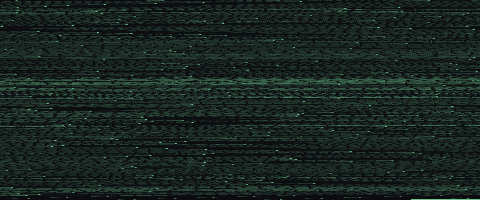
The compressed video is a sequence of frame packets. The bright bands are keyframes, one per group of pictures, each carrying a fresh palette, codebook, and per-block payload. The dimmer rows in between are predicted frames: mostly SKIP blocks, with MOTION, VQ, and RAW blocks where the frame changes.

4 MB of raw signed 8-bit PCM. No compression, no framing, no metadata. Each byte is a sample of the sound wave, and Timer0 clocks Direct Sound while DMA1 keeps FIFO A fed from the ROM stream.
A different view of the same data: every keyframe writes a 256-colour palette. Stacking each palette as a row gives a colour fingerprint of the whole video.
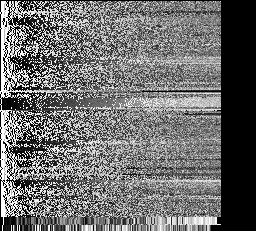

Bad Apple is almost entirely black and white with some greyscale, and the palette reflects that. The Naruto encode is full of colour throughout. The first three figures show what is in the cartridge. This last one shows what the codec did with the source.
How the codec works
Each frame is divided into 4-by-4-pixel blocks: 60 columns by 40 rows, 2,400 blocks per frame. Each block is encoded in one of four modes, two bits each, packed into a 600-byte mode bitstream:
| Mode | Code | Payload | What it does |
|---|---|---|---|
| SKIP | 0b00 | none | Block stays put from the previous frame |
| MOTION | 0b01 | 1 byte (dx:4, dy:4) | Copy from a nearby block in the previous frame |
| VQ | 0b10 | 1 byte codebook index | Look up a 4-by-4 tile in the codebook |
| RAW | 0b11 | 16 literal bytes | Write the bytes as-is |
VQ (vector quantisation) is where the compression happens. A RAW block costs 16 bytes. A VQ block costs 1: an index into a shared codebook of 256 tiles, each a 4-by-4 block of pixels chosen by k-means clustering across the frames in a group of pictures. The decoder reads the index, looks up the tile, writes 16 bytes to the framebuffer. One byte in, sixteen bytes out.
The codebook is 4,096 bytes (256 entries at 16 bytes each), sent once per group of pictures. The predicted frames in the group reference it without resending. Amortised across a GOP, the codebook gets cheap quickly: each VQ block saves 15 bytes against RAW, so after a few hundred VQ blocks the codebook has paid for itself.
Here is what one keyframe looks like alongside the encoded components that produced it:
One GOP, decoded
Frames 1080–1139 (0:18, one full GOP). Hover or tap any pixel to trace it through the codec.
Where the hardware bites
The GBA gives you about 280,000 cycles between screen refreshes. That is the budget for everything: dispatching mode bits, copying pixels, swapping framebuffers, and staying out of the audio hardware’s way. Most of it evaporates into reads from cartridge ROM, which is on a 16-bit bus and slow. The decoder lives in IWRAM, the GBA’s 32 KB of fast on-chip RAM, and the codebook lives there too.
Two surprises came out of the hardware datasheet. The first: 8-bit writes to VRAM duplicate the byte across both halves of the surrounding 16-bit word. I was not aware of this at the time, so the first build had corruption on every block boundary until I switched to 32-bit writes. The second: the cartridge bus is a single channel shared by video reads and audio DMA. Audio wins because DMA1 has higher priority than the DMA3 copy I use for video. The decoder fits around it.
The audio path went through a few rewrites before settling. The first attempt used IMA-ADPCM, an old 4-bit compression format, with ring buffers and DMA staging. It saved space and spent all the goodwill immediately. The second attempt interleaved audio and video in the ROM like a film reel, with audio printed alongside each frame. That failed because 4-bit ADPCM sounded awful and 8-bit PCM chunks did not pack tightly enough. The version that runs now is deliberately boring: raw signed 8-bit PCM laid out contiguously in ROM, Timer0 setting the sample rate, and DMA1 feeding FIFO A. No decoding, no per-frame audio chunks. The encoder did the work once on a laptop.
What it does not do well
This is still a codec built around one unusually forgiving music video. Bad Apple is almost all hard-edged black and white shapes, which makes palette quantisation and block reuse look better than they will on noisy, colourful footage. The visible flaws are the expected ones: banding in gradients, occasional motion artefacts, and quality swings around hard scene changes where the GOP structure has to catch up.
Where this lands
Bad Apple on this cart looks better than the Pokémon episode on the official video cart, but the comparison flatters me. Most GBA Video TV paks fit 40 to 45 minutes of full-colour video into 32 MB, well under a megabyte per minute. I use almost the whole cartridge for 3 minutes 52 seconds of source that is mostly black and white and forgiving to a block-based codec. The codec works because the source is forgiving, not because the GBA stopped being difficult.
The next thing is encoding longer source at lower bitrates and seeing how anime holds up. Fewer keyframes, more SKIP blocks, and a better fit for a constrained codebook matter more once the source stops being a perfect silhouette demo.